Scan
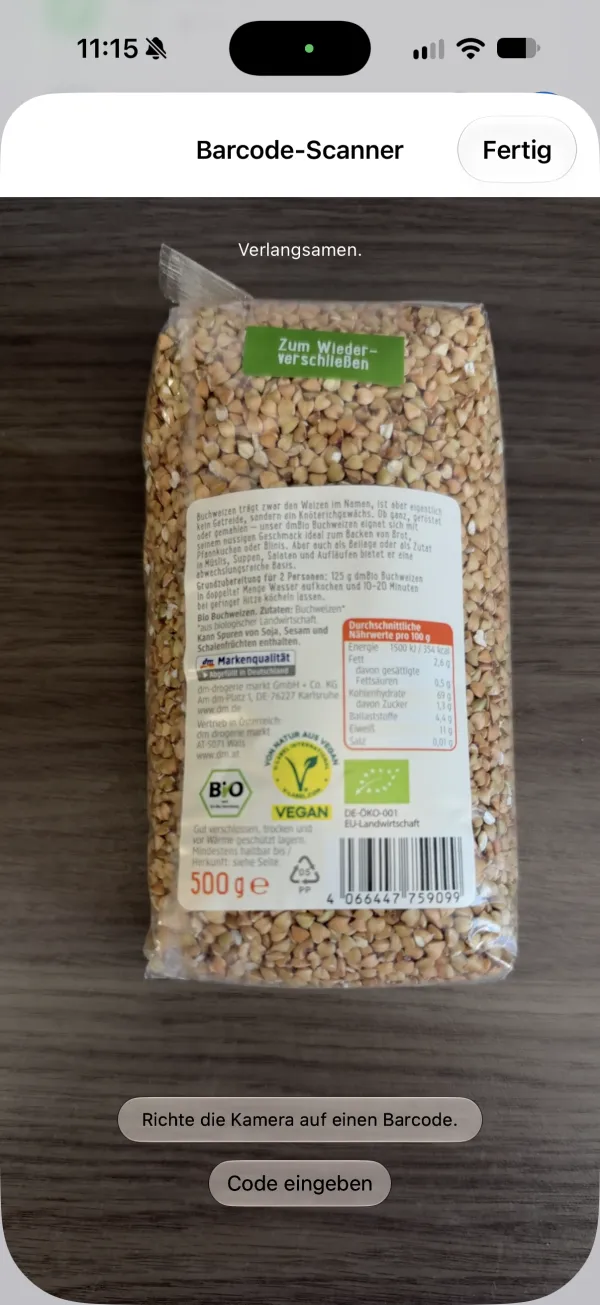
Scan the barcode, done.
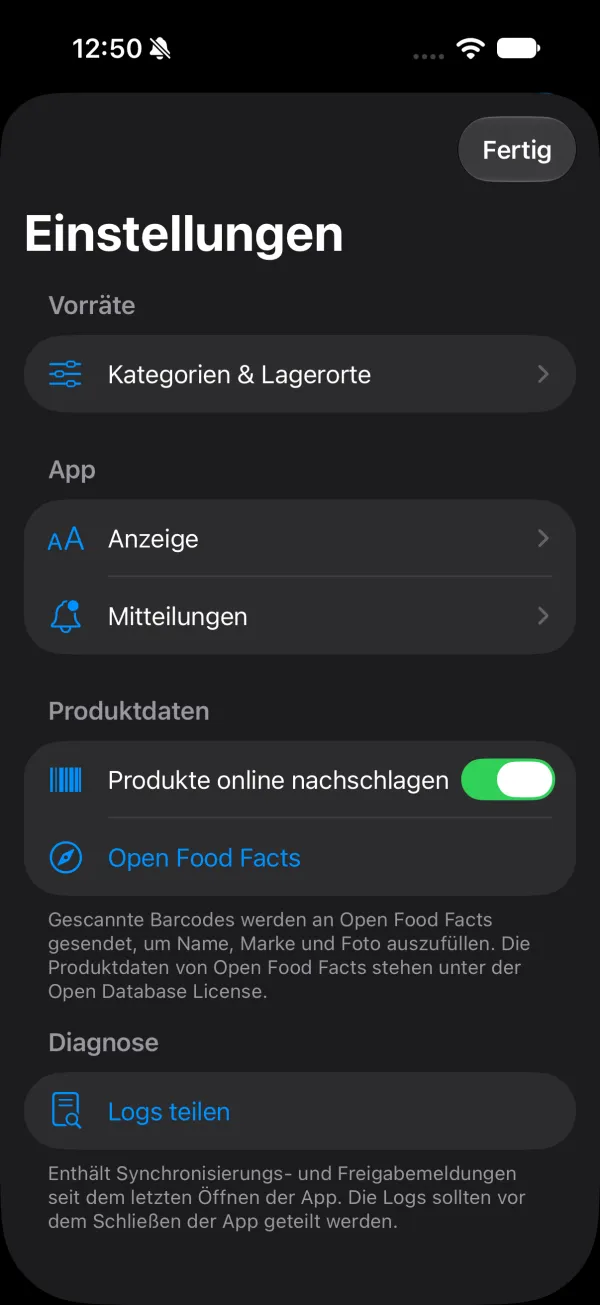
Point the camera at the barcode. Name, brand and photo come from Open Food Facts, you only add the quantity.
No barcode? Type in the code or add the item by hand.
Your supplies sorted by shelf and shared with everyone at home. Scan, add, stop buying things twice.
Coming soon to the App Storefor iPhone
Cellar
At the supermarket you can't quite remember what's at home, and nobody at home knows either. So you buy it again, just in case. And the third jar of mustard is waiting for you.
Scan
Point the camera at the barcode. Name, brand and photo come from Open Food Facts, you only add the quantity.
No barcode? Type in the code or add the item by hand.
Put away
Add as many storage places as your home has, from the fridge to the cellar. The app then shows you at a glance what is where.
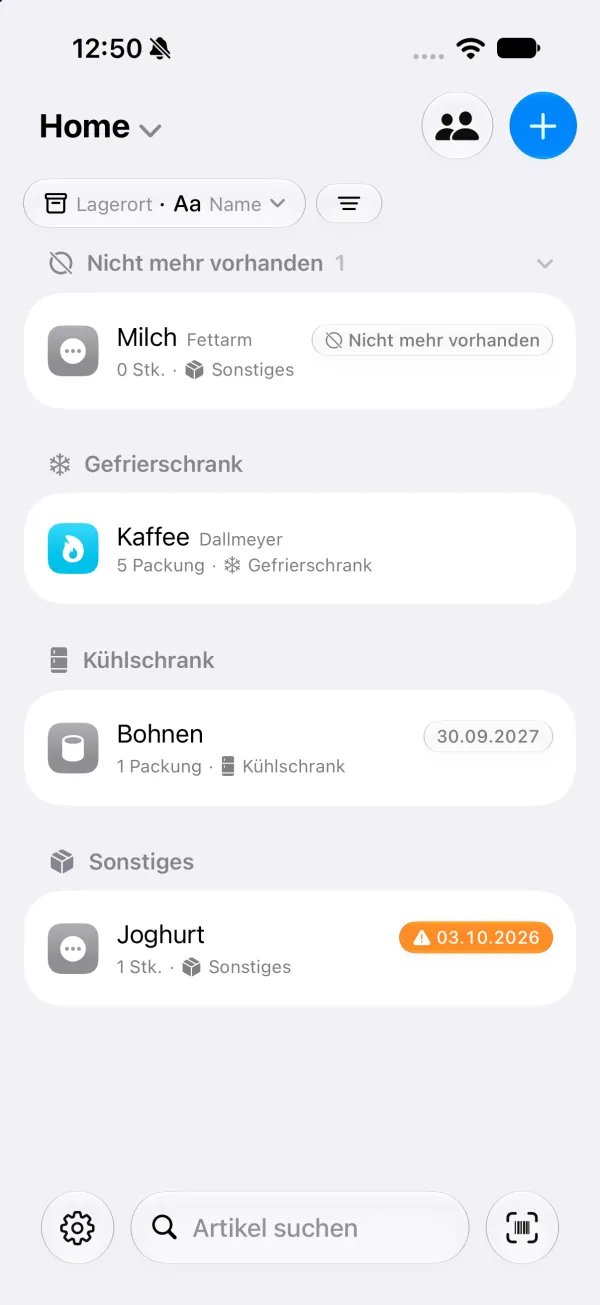
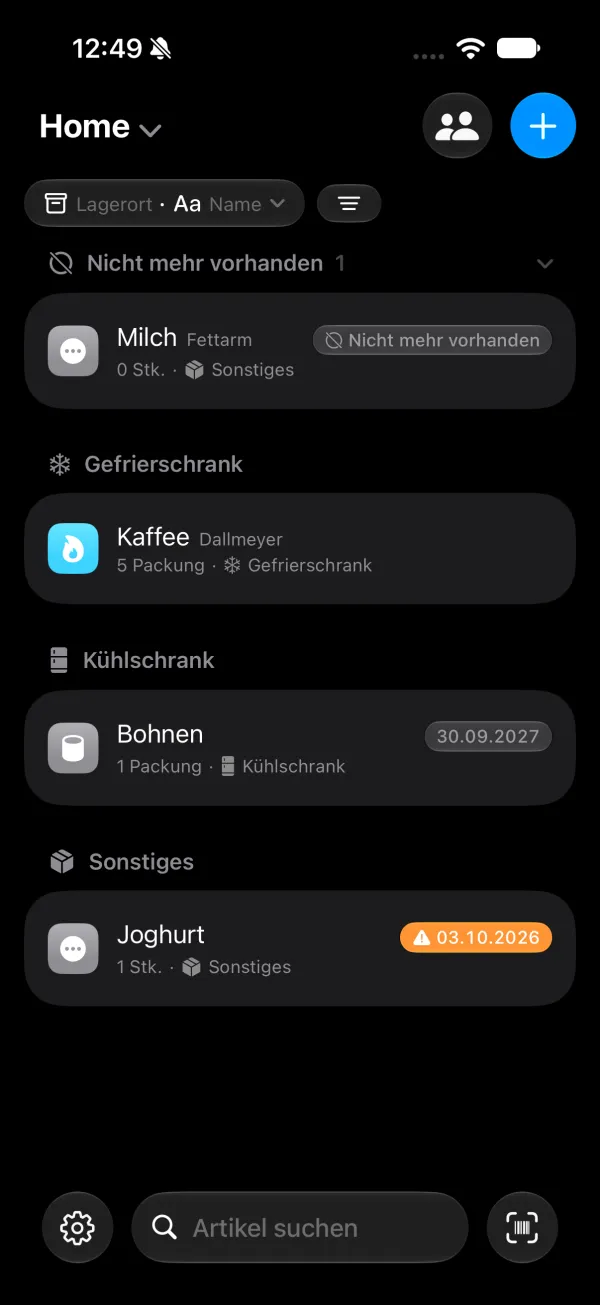
Invite your household to a list via iCloud. Everyone sees the same supplies, and you decide who can make changes and who can only look.
No need to check. When someone in your household changes something, the others on the list get a notification.
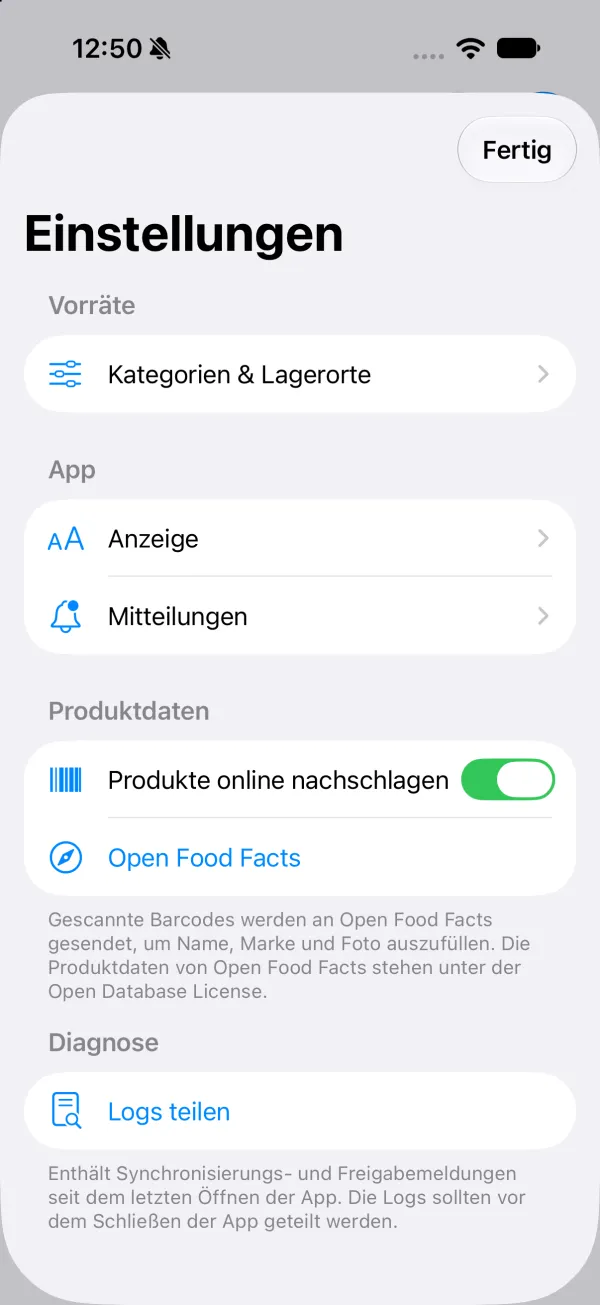
You can turn notifications off in the app.
That hasn't been decided yet. It will be here as soon as the app is in the App Store.
Soon. There's no fixed date yet.
Yes. hmstr shares lists via iCloud. Everyone needs hmstr on their iPhone and an iCloud account.
Not so far. hmstr is a native iPhone app.
No. Scanning saves typing, but you can also simply add items by hand.
Coming soon to the App Storefor iPhone